Discover the old Vidmate app for downloading videos and music from the internet quickly and in high quality. In this guide, you'll learn about its key features, the correct installation method, and how to use the app safely to easily download videos in resolutions up to 4K.
What is the VidMate app?
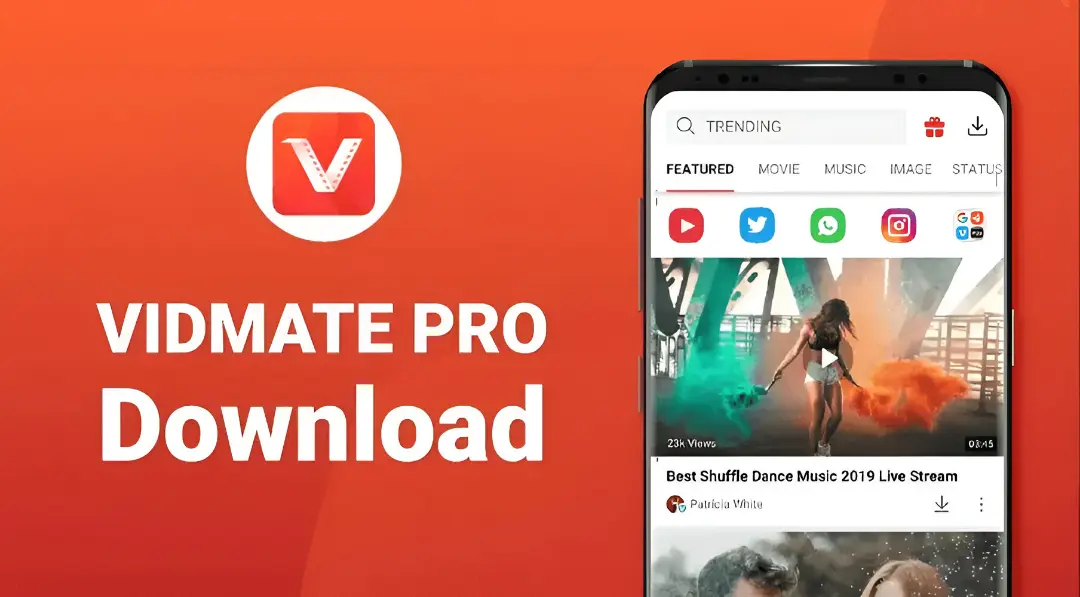
Vidmate It's a well-known app for downloading videos and music from the internet to Android devices. It allows you to download content from a wide range of websites and platforms, with the option to choose your preferred video quality and file format. The app features a simple and user-friendly interface, making it suitable for beginners and those with mid-range or lower-end devices.
VidMate is typically used when a user needs to save videos to watch later without internet, download audio files to listen to at any time, or save clips directly from social media platforms.
Features of the original Vidmate program
VidMate version 2.61 comes with several strong points that make it a practical choice for those looking for fast downloads and a lightweight user experience, and among its most prominent features are:
- User-friendly interface: Clear design with easy access to sections, search, and download.
- Fast and stable download: Supports multiple downloads and resumes downloads when the internet is interrupted.
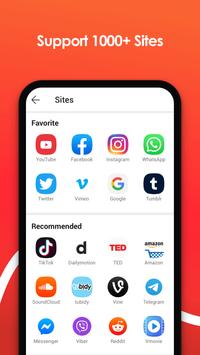
- Supports multiple sites: downloads from popular video platforms and social networks.
- Low resource consumption: A lightweight version that works well on average and low-end devices.
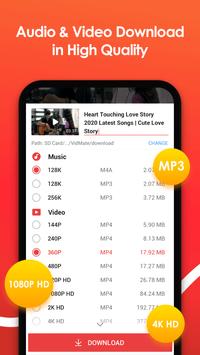
- Multiple formats: Choose video quality from low to Full HD and even 4K when available, as well as convert to MP3 for audio.
- Advanced search: Search within the app by keywords or explore categories.
- Watch live TV channels: Provides live channels within the app (availability may vary depending on region and version).
Trying VidMate video downloader software
One of VidMate's greatest strengths is the ease with which it downloads videos from social media platforms. You'll often find the download option directly when you open the video within the app's browser, or by copying and pasting the video link.
The app supports quality selection before downloading, which is very useful if you want:
- Reduce data consumption by using low or medium quality.
- Get the best possible quality such as Full HD or 4K when available.
- Download the video in a format suitable for playing it on your phone or sharing it.
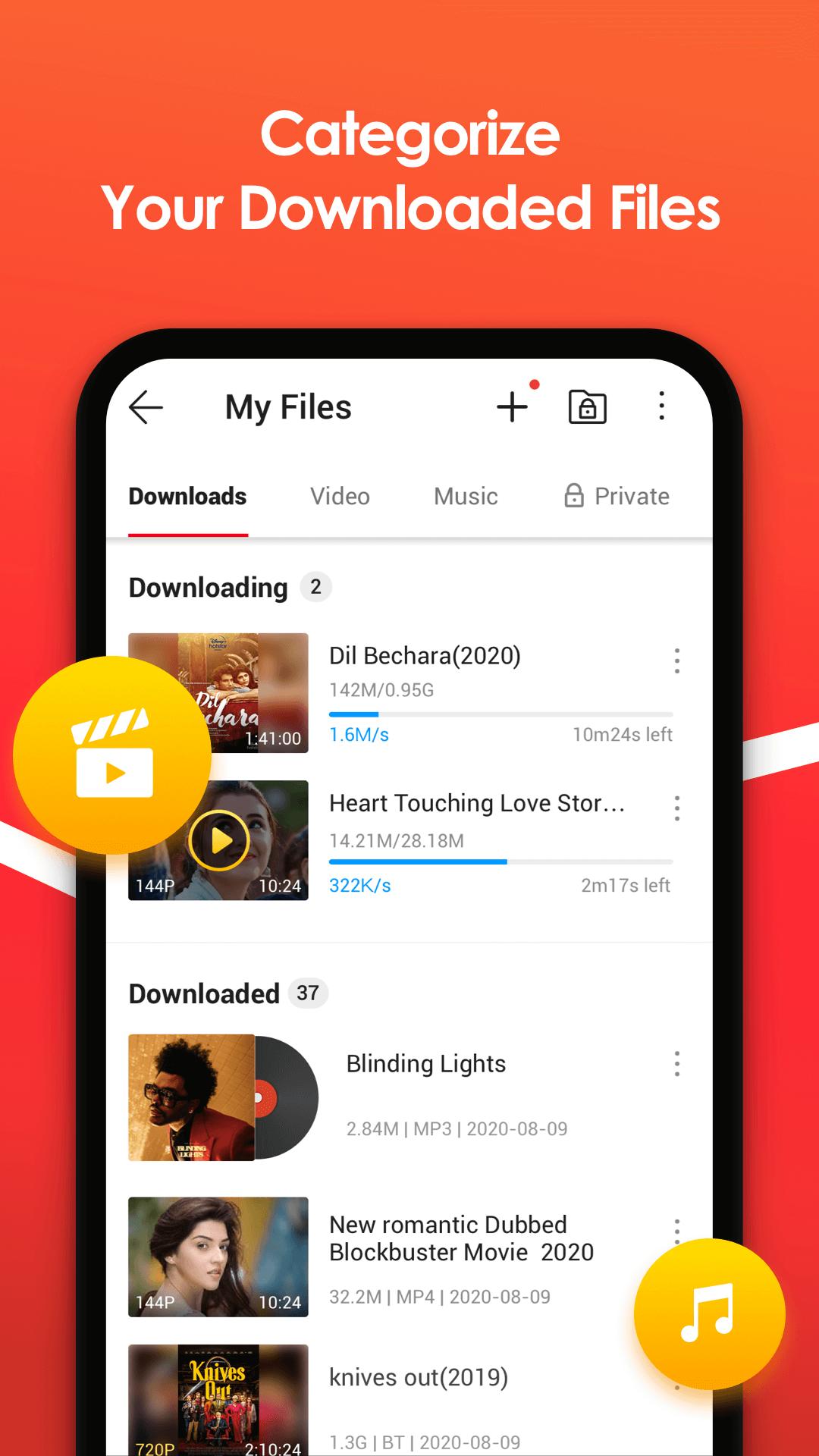
Multi-downloading also helps you download more than one file at the same time, which is an excellent option if you are compiling several videos or short clips at once.
Download music easily
VidMate offers the option to download audio in MP3 format from certain sources, which is useful for those who want:
- Download audio clips quickly instead of downloading the entire video.
- Save songs or clips for offline listening.
- Download files that are smaller in size compared to video.
You can also download multiple audio files simultaneously, selecting the audio quality where available. (Note: Support for platforms like Spotify may be limited or indirect depending on the source and link, so it's best to rely on sources that actually support in-app downloads.)
Video player and additional features
VidMate has a built-in player that allows you to play downloaded videos directly from within the application, with files neatly managed within the downloads library.
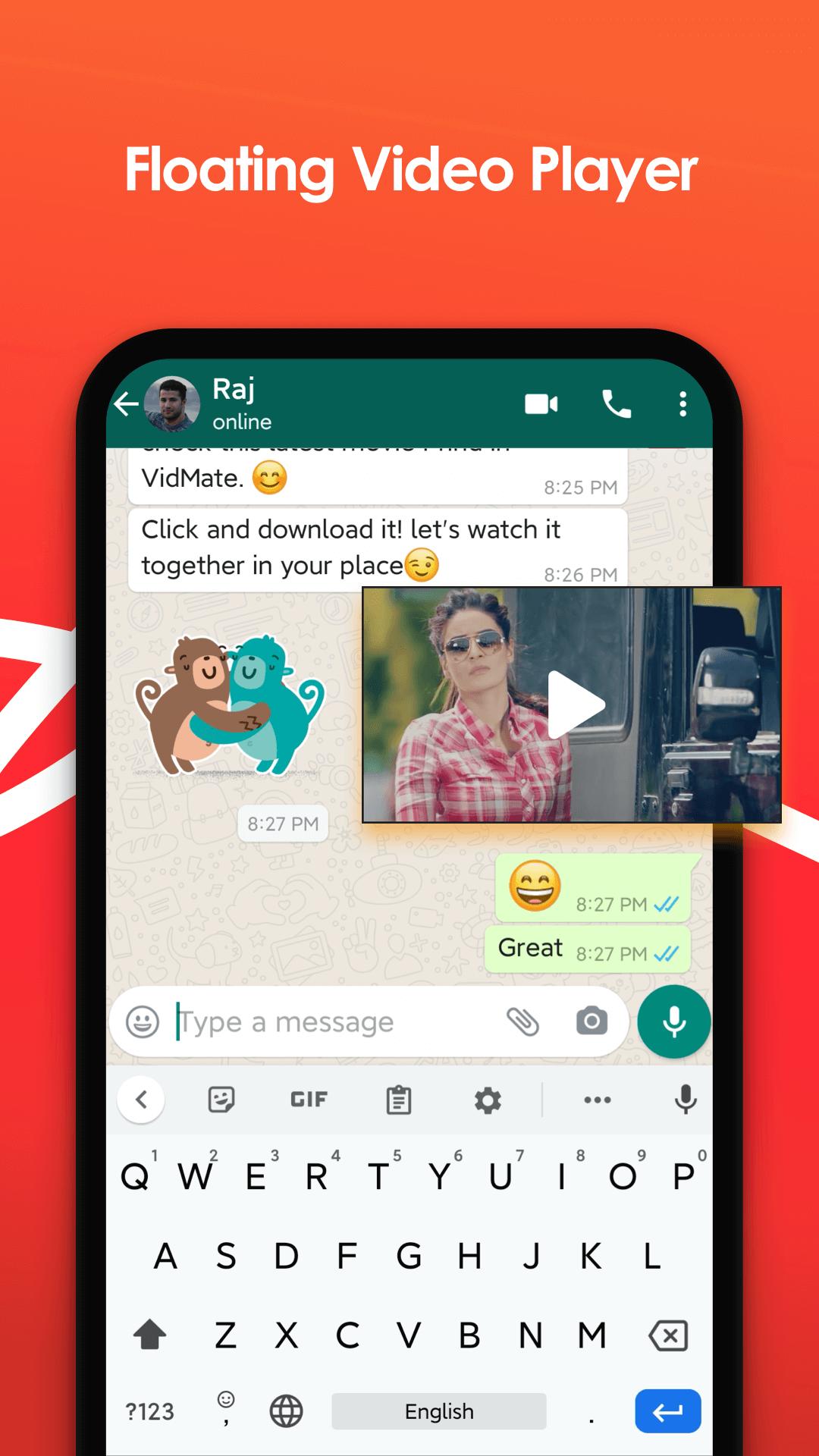
Some versions may include additional features such as background audio playback or simple file management tools, but the availability of these options may vary depending on the version and device type.
User interface and watermark removal
VidMate's interface is simple and offers a quick search function to help you find content easily. Regarding the removal of watermarks from videos, this may appear in some cases or with certain sources, but it's not always guaranteed and can depend on the platform itself and the uploading method.
For best results, focus on downloading content from sources that allow saving in good quality, and make sure to test the quality before uploading large files.
How to install the old version of Vidmate
Follow these steps to install the application correctly:
- Download the APK file from a trusted source.
- Activate the “Install from unknown sources” option in your phone’s security settings.
- Open the APK file and start the installation.
- Once finished, open the application and start using it to download.
Important tip: If a warning message appears during installation, do not proceed unless you are confident in the source of the file, as apps from outside the store may contain unsafe copies.
Also carry Hacked YouTube Music.
Tips for using VidMate safely
To ensure a better experience and fewer problems, follow these tips:
- Download the app only from APK Iraq to avoid harmful modified versions.
- Scan the file with a reliable antivirus program before installation.
- Do not grant unnecessary permissions to the application.
- Use a Wi-Fi network when uploading large files such as 4K to avoid data consumption.
- Keep an eye on your storage space because high-quality videos consume a lot of space.
Summary about the original Videmt
VidMate is a great option for those looking for a lightweight and fast video and music downloader, especially for users with mid-range or limited-spec devices. It offers a stable download experience, multiple quality options, and support for a wide range of websites, making it a practical app for everyday use.
Frequently asked questions about Vidmate
Is this version compatible with all Android devices?+
Most Android devices are supported, but problems may occasionally arise with newer versions or some phones that impose restrictions on apps outside the store.
Can videos be downloaded from YouTube?+
This may work in some cases, but it depends on the restrictions and policies in your country as well as the version you are using.
Does it support background downloading?+
Yes, one of its most notable advantages is that it supports background downloading with the ability to download multiple times at the same time.
Is downloading safe?+
It is safer to download the application from a trusted source, avoid granting unnecessary permissions, and scan the file before installation if possible.
Is the update automatic?+
Mostly not, and updates are done manually by downloading a newer version when needed.














No comments yet.